
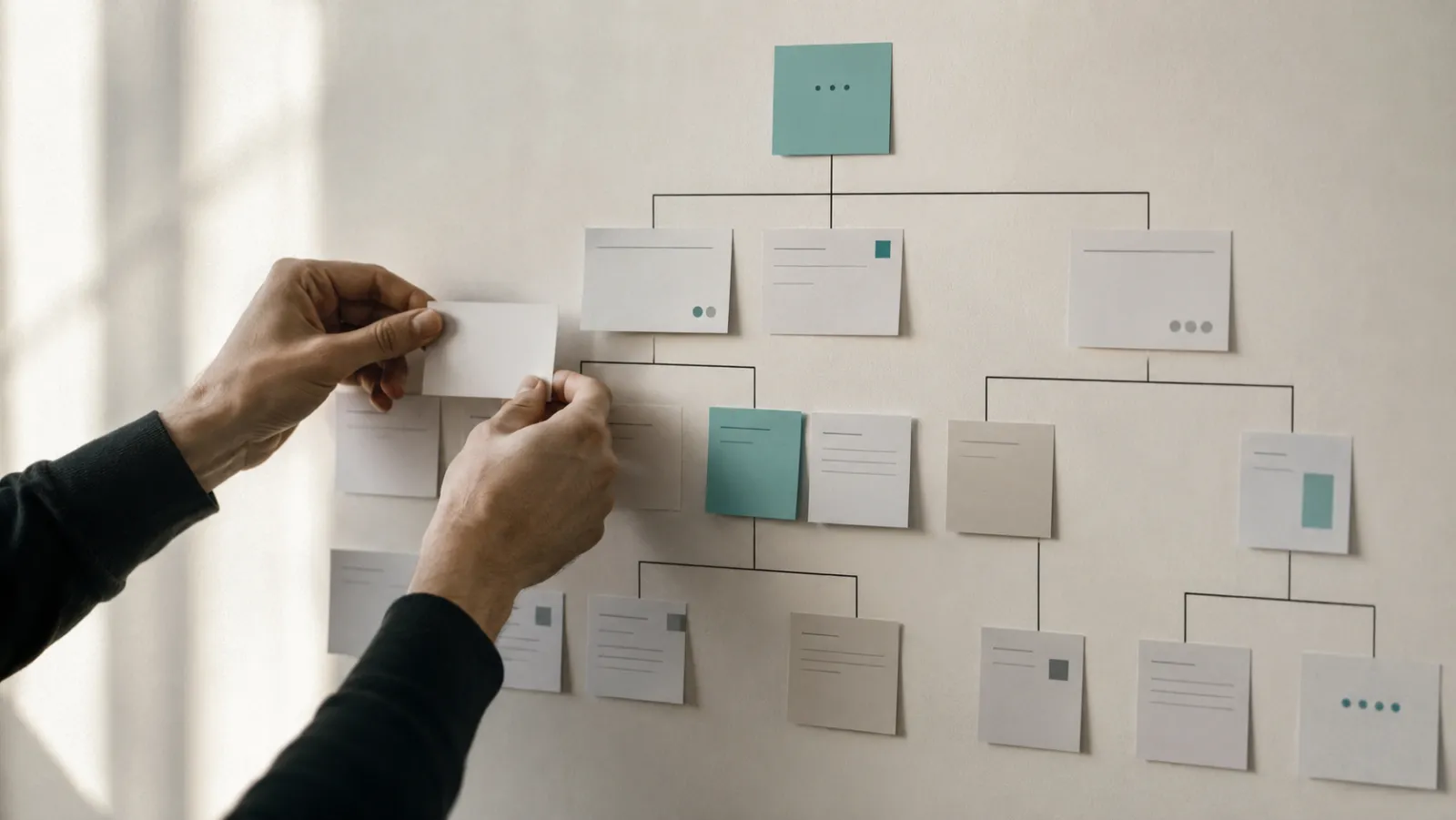

Why information architecture decides between a successful relaunch and costly rework
A relaunch rarely starts in the right place. Teams usually discuss look and feel first: colors, imagery, the feeling of the new site. That is understandable, because surface is visible and easy to judge. Information architecture, by contrast, is invisible until it is missing.
The intent behind "information architecture for websites" is therefore almost always practical. Decision-makers want to know how to set up a reliable approach before design begins, one that prevents later rework. This is exactly where it is decided whether a relaunch holds up or whether it slides into a long repair phase after launch.
Information architecture is the order in which content is stored, found, and maintained. It defines which page types exist, which fields a piece of content has, how users move from one area to the next, and how search engines read the structure. Anyone who clarifies this order only after the design is done is building surfaces for content that has not yet been thought through.
The consequences of a missing architecture rarely show up immediately. At launch the site often looks clean, because a limited set of content was poured into a fresh design. The weaknesses appear once the site is live: when new content arrives that fits no existing pattern, when two departments name the same thing differently, or when a campaign needs a page that does not exist. Then begins what many teams accept as normal operation but is in truth costly rework: improvised pages, duplicate content, contradictory navigation.
A reliable information architecture prevents exactly that. It is not a one-off concept but a system that grows with the website. Every new piece of content has a place, a form, and meaningful connections, because the rules were decided beforehand. That is the real value: not a pretty launch, but a website that can grow in an orderly way over years.
“Build structure first and you reduce SEO and UX debt at the same time later.”
Content-first: content as structured objects with fields and page types
Content-first does not mean writing all the text first. It means treating content as structured objects before deciding how it is displayed visually. A piece of content is then not a block of text on a page, but an object with defined fields.
A project example has a title, a short description, a context, a role, an outcome, and linked topics. A journal article has a search intent, a primary keyword, internal links, and snippet logic. These fields are not a technical indulgence. They are the basis for content being displayed, maintained, and reused consistently.
Modeling content as objects yields several gains at once:
- Content becomes consistent, because every item of the same type fills the same fields
- Content becomes reusable, because one object can be rendered in several places
- Editorial work becomes plannable, because it is clear which fields must be filled before publishing
- Handoffs become unambiguous, because design and development work against a fixed data structure instead of individual layouts
The difference between text and object sounds academic but has very concrete consequences. If a project is maintained as plain text on a page, the result is stuck in that one page. If the same project is maintained as an object with the fields context, role, and outcome, it can appear as a tile on an overview, in full on a detail page, as a reference in a related service, and as evidence in an article. One object, many renderings, one place to maintain.
How this sequence improves the quality of UX, development, and SEO is explored in Digital architecture: why content-first still wins. This pillar builds directly on that and applies the principle to the entire relaunch.
Define page types cleanly instead of building pages one by one
The most expensive mistake in relaunches is treating every page as a one-off. The moment a hundred pages are handled as a hundred special cases, sprawl sets in: every page gets its own logic, its own arrangement, its own exception. Maintainability and consistency collapse.
The alternative is to define page types. A page type is a recurring task, not a layout. An overview page exists to open up an area and lead deeper. A detail page exists to present a single object in full. A context page exists to prepare decisions and build trust.
Good page-type definition answers three questions per type:
- Which user task does this page type serve?
- Which fields and modules are mandatory, and which are optional?
- How does the type behave in edge cases, such as missing data or very long content?
Once these questions are answered, you no longer build a hundred pages but a handful of types that carry a hundred pages. That reduces effort in design, development, and later maintenance at the same time. This effect was central to the evolution of Portraits Made in Germany: not beautifying individual pages, but unifying logic.
Edge cases deserve particular attention here, because they decide stability. A page type that only works with ideal content falls apart quickly in practice. What happens when a project has no outcome image? When an overview holds three entries instead of twelve? When a title is twice as long as planned? Designing these cases into the page type produces structures that hold up under real conditions. Ignoring them produces exactly the special cases that page types were meant to avoid.
A well-defined page type is therefore more than a template. It is a contract between editorial, design, and development: editorial knows which fields to provide, design knows which states to design, and development knows which data structure to expect. This contract makes collaboration plannable and is the real reason page types save effort.
Navigation and URL structure as part of the architecture
Navigation and URL structure are often treated as a final detail. In reality both are part of the information architecture, because they make the order visible and addressable. Navigation shows users which areas exist and how they connect. The URL structure shows the same thing to search engines and makes every piece of content uniquely referenceable.
A reliable navigation structure follows users' task logic, not the company's org chart. Users search for what they want to achieve, not for the department responsible. Aligning navigation with internal structures forces users to understand the company before they can find anything.
The same principles that apply to page types apply to URLs. URLs should reflect the page type and its position in the hierarchy, stay stable, and use readable paths. A consistent URL logic per page type is not cosmetic but a signal to search engines that the structure is deliberate.
The key is to decide both early. Defining navigation and URLs only after the design usually forces you to reshuffle content, retrofit redirects, and bend hierarchies that were meant to work differently.
In relaunches a second aspect comes in: existing URLs often carry visibility built up over years. Changing the URL structure without a migration plan risks losing that visibility. A deliberate architecture therefore plans from the start which old addresses point to which new ones, which content is merged, and where redirects are needed. This is not a technical afterthought but part of the structural decision. A relaunch that ignores URL migration can be convincing on the merits and still lose measurable reach.
How information architecture improves SEO and internal linking
Search engines reward structure. Good architecture improves SEO not through isolated tricks but because it creates the foundations on which all SEO measures build.
Concretely, good architecture works on several levels:
- Clear page types create recurring information patterns that search engines classify more easily
- A logical hierarchy distributes relevance from hub pages to detail pages
- Consistent taxonomy makes topic clusters recognizable
- Unambiguous title and description logic per page type improves snippet quality
Internal linking is especially underrated. When content is modeled as objects with relationships, internal links can be set systematically instead of manually and at random. A journal article automatically links to related articles in the same cluster and to relevant project references. This creates a web that guides users and search engines through related content instead of leaving them on a single page.
This logic is not an end in itself. It ensures that the right pages build authority and that users, after one answer, are offered the next relevant question.
A useful image for this is the difference between a collection of dead ends and a navigable web. Without architecture many pages are dead ends: they answer one question and then leave the user stranded. With architecture every page leads onward, because its relationships to other content are part of the model. For search engines this means relevance does not leak away on isolated pages but flows deliberately to the pages that cover a topic best. For users it means they can go deeper into a topic instead of having to jump back to the homepage.
Editorial fitness: who maintains what?
An architecture is only as good as its maintainability. Many relaunches fail not at launch but in the months that follow. As soon as it is unclear who maintains which content, which fields are mandatory, and which quality is expected, the slow decay of the structure begins.
Editorial fitness means that maintenance is part of the architecture design. This includes:
- an ownership model that defines who decides, who maintains, and who is responsible for quality
- clear mandatory fields per page type, so no content is published incomplete
- defined quality criteria instead of gut feeling
- a realistic picture of the ongoing maintenance effort
Anyone clarifying these points only after launch has effectively built the architecture for the starting state alone. Good information architecture, by contrast, is designed to last and accounts for content that grows, changes, and is maintained by changing people.
In practice it helps to simulate maintenance during the design itself. Whoever creates a new piece of content should know, without asking, which page type fits, which fields are mandatory, and where the content appears in the navigation. If these questions remain open, the architecture is not finished. This test is unspectacular but reliably exposes the gaps that later cause inconsistency. An architecture that feels self-explanatory to editorial is usually the one that stays consistent over years.
Typical relaunch mistakes and how we avoid them
A few patterns recur in project work that almost always lead to rework:
- Design before structure: things are designed before it is clear which content and page types exist
- Pages instead of types: each page is built individually, losing consistency and maintainability
- Navigation by org chart: the structure mirrors the company instead of user tasks
- Content as text instead of objects: fields are missing, reuse and SEO suffer
- Maintenance as an afterthought: ownership and quality criteria are missing, and the structure decays after launch
We avoid these mistakes by reversing the order. First content is modeled as objects, then page types are defined by their task, then navigation and URL structure are derived, and only then is the design produced. Maintenance and ownership are not the last step but a condition of the design.
If you want to deepen the visual side of this logic, read Minimalism is not the absence of elements next. If you would rather clarify the term first, What is information architecture? offers a concise definition with practical context.
Conclusion
Information architecture is not a concept chapter to tick off but the load-bearing system of a relaunch. It decides whether content is found, maintained, and meaningfully linked. Content-first, clean page types, deliberate navigation, and a clear ownership model are not separate tasks but parts of the same order. Putting structure before surface produces a website that holds up after launch instead of crumbling.
FAQ
What does content-first mean concretely in a relaunch?
Content is modeled first as structured objects with clear fields, page types, and ownership before visual surfaces are finalized.
Why does content-first also improve SEO?
Clear page types, a logical hierarchy, and consistent internal linking increase crawlability, snippet quality, and the distribution of relevance across pages.
When should information architecture be defined in a project?
Before design begins. Clarifying structure only after design means building surfaces for content that has not been thought through, which produces later rework.
What is the difference between page types and individual pages?
A page type is a recurring user task with fixed fields, not a single layout. A handful of types carries many pages consistently and reduces maintenance effort.